LIVE TRANSLATION / GLOBAL MEETINGS

NOW ON GOOGLE PLAY / ANDROID-APP

Hol dir die TranStream-App bei Google Play

Keine APK-Installation mehr nötig – lade die App direkt im Play Store mit automatischen Updates und sicherer Bezahlung.

  • Live übersetzte Untertitel auf dem Handy
  • Automatische Play-Store-Updates
  • Einfaches Aufladen und sichere Zahlung
JETZT BEIGoogle PlayAb Android 8.0 · Installation kostenlos

NEU · WINDOWS-DESKTOP-APP

Am PC kann die Desktop-App noch mehr

Übersetzt, was auf deinem PC läuft – ohne Tab-Freigabe. Untertitel über Spielen, Playern und Meeting-Apps, inklusive Chat-Übersetzung und Gesprächsdolmetschen.

  • Übersetzte Untertitel über jedem Programm
  • Nur den Ton einer App übersetzen
  • Gleiches Konto und Guthaben wie im Web
64-Bit · Installer ca. 184 MB · Version 0.1.24

TranStream

Verstehe und nimm ohne Sprachbarrieren teil

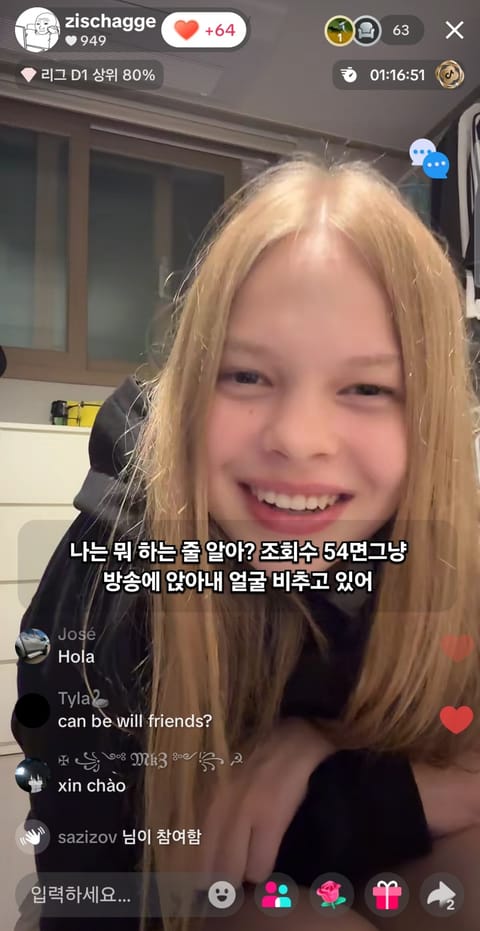
Übersetze Audio aus Zoom, Google Meet, Twitch, YouTube Live, SOOP, KICK, 치지직, TikTok LIVE, Facebook Live und Rumble.

NO INSTALL · CHROME / EDGE

Start on your PC, no install

Pick the stream tab in your browser and turn on audio sharing for live subtitles. Nothing to install.

  • Runs right in the browser
  • Translates the sound of a stream or meeting tab
  • Same account and remaining time as the apps
Latest Chrome or Edge · tab audio sharing required

Wähle nach dem Start Quelle und Übersetzungsstil.

NUTZERBEWERTUNGEN

Bewertungen globaler Nutzer

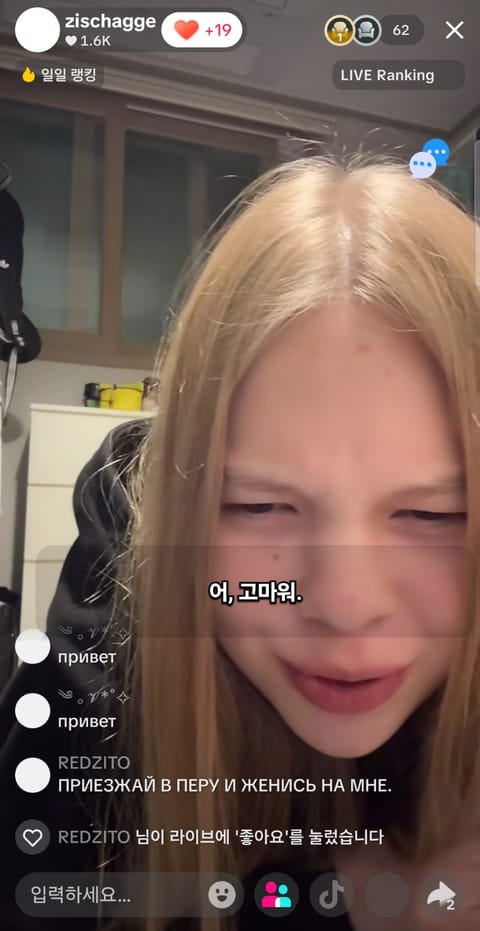
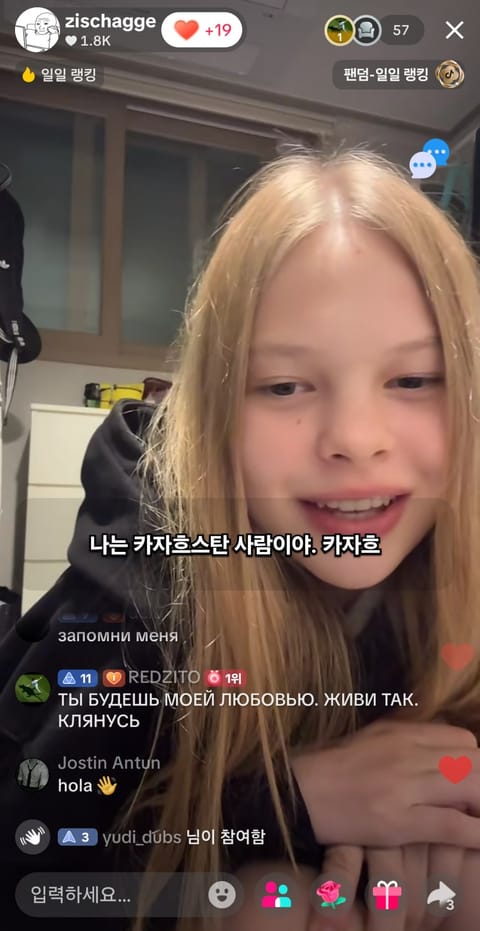
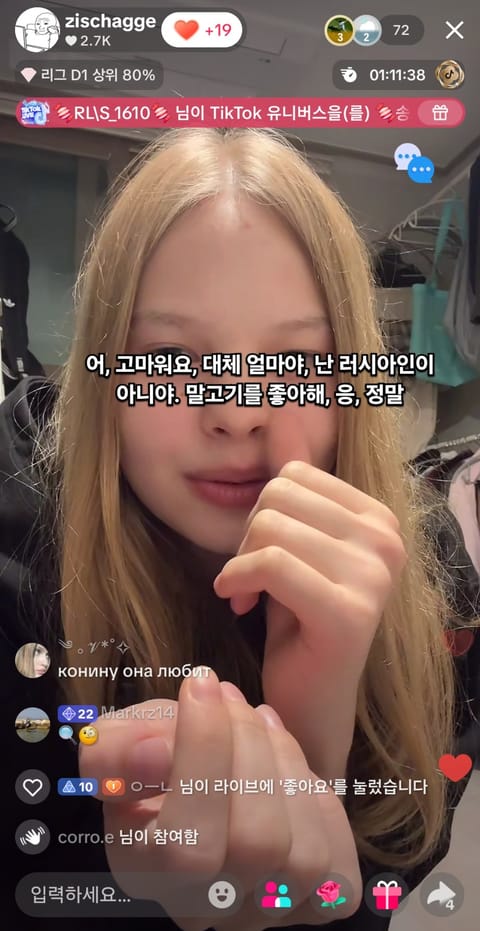
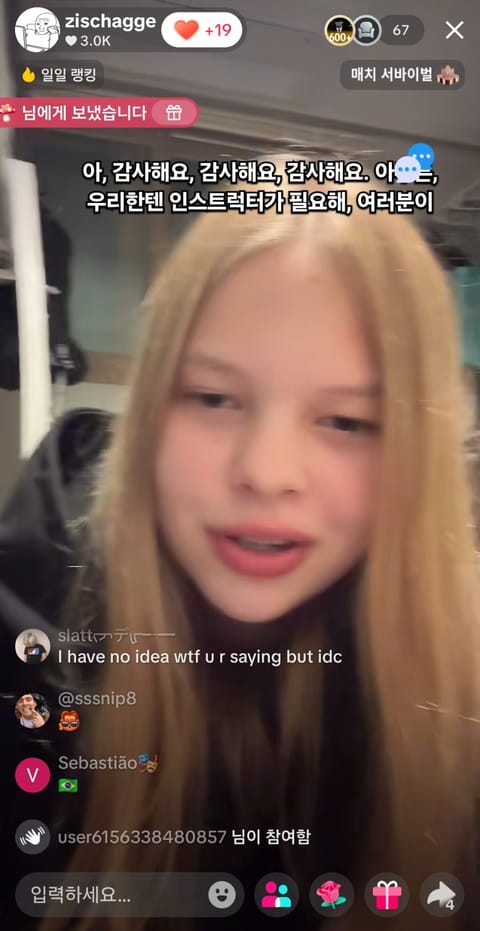
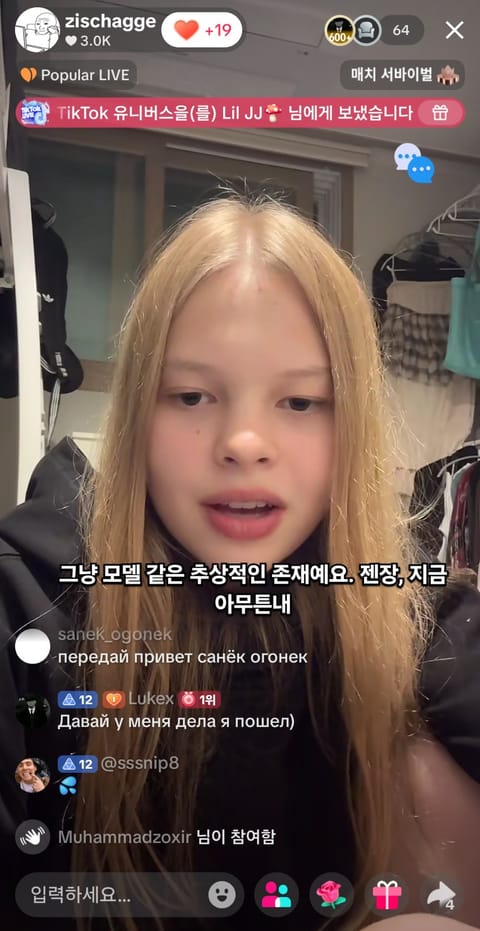
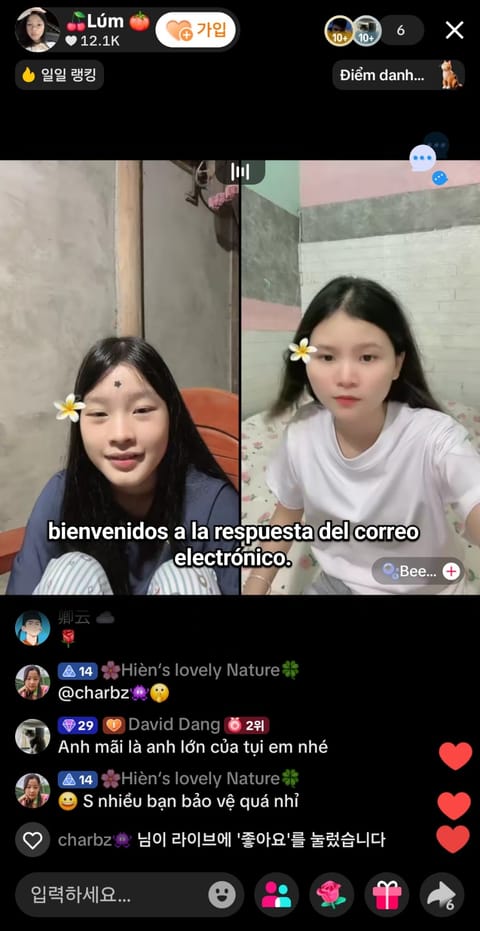
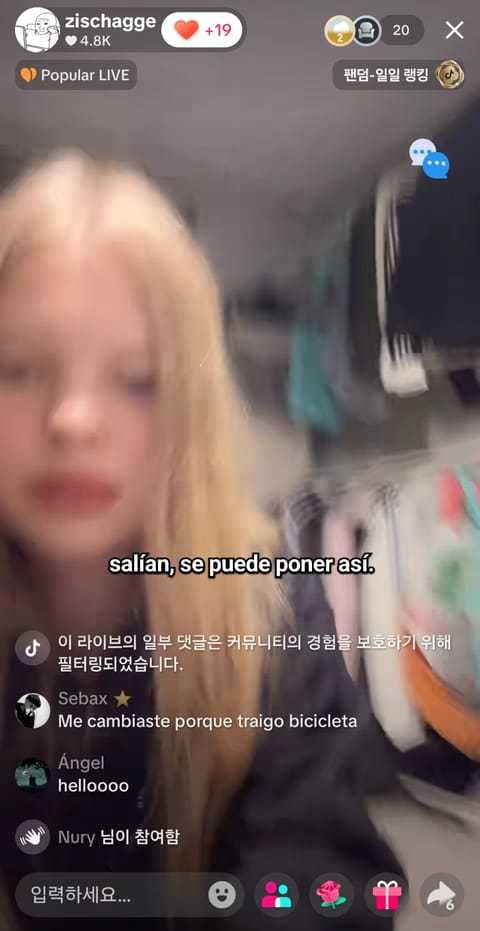
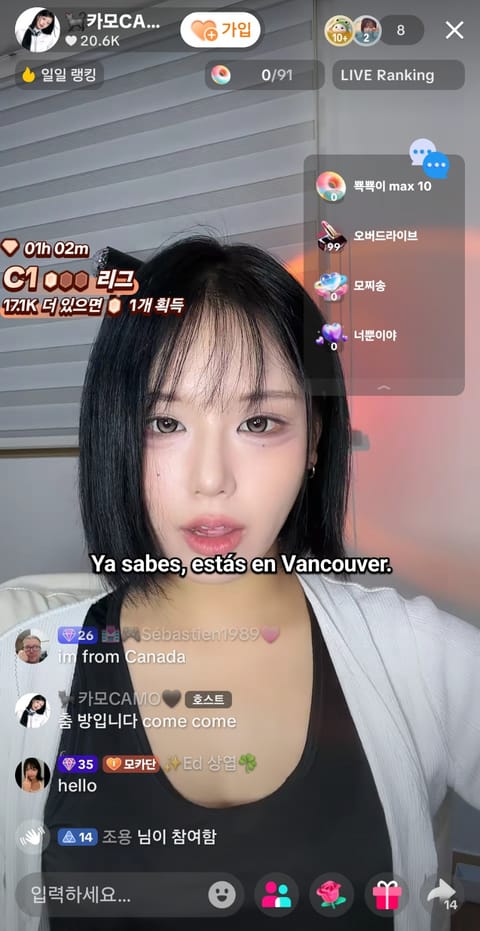
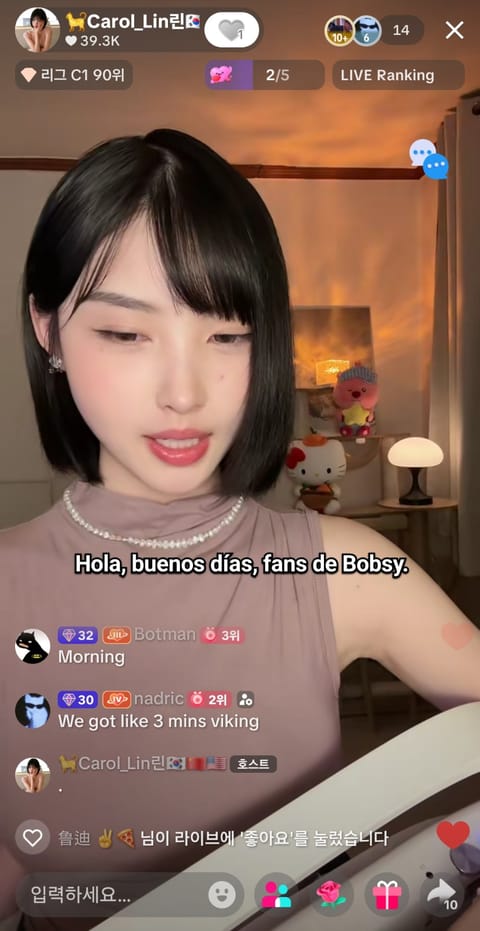
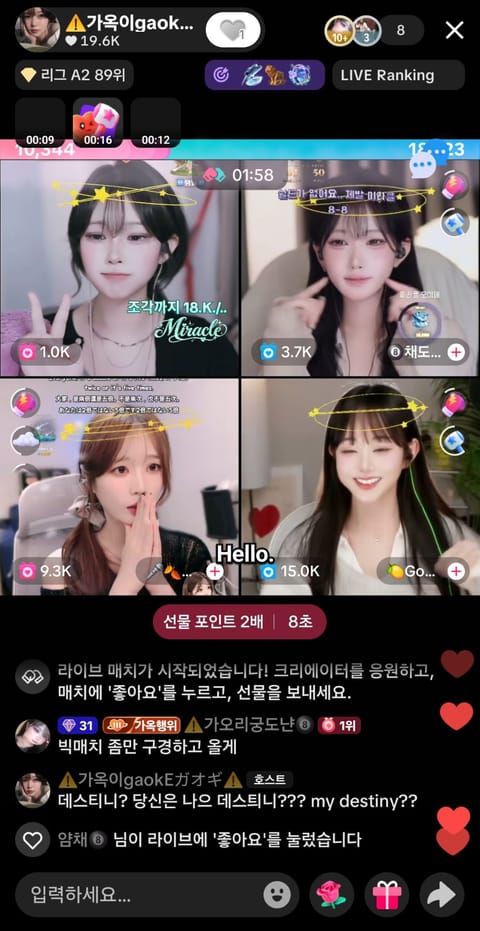
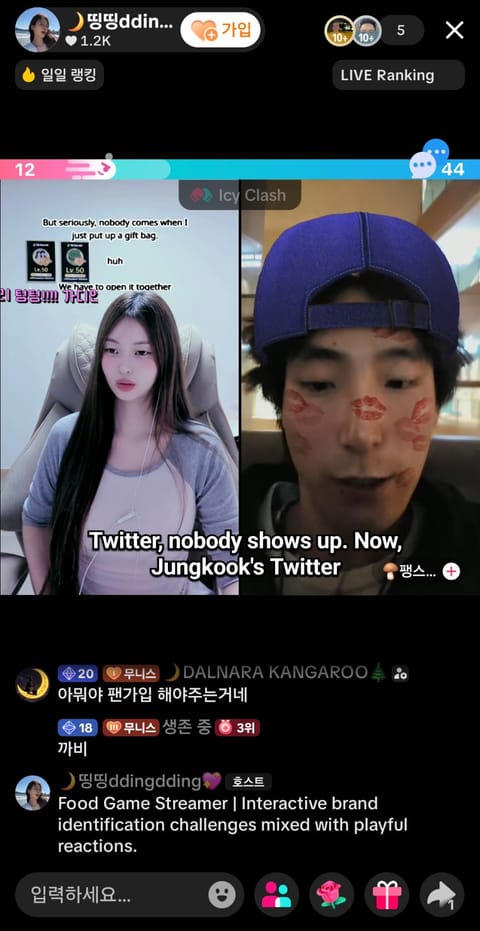
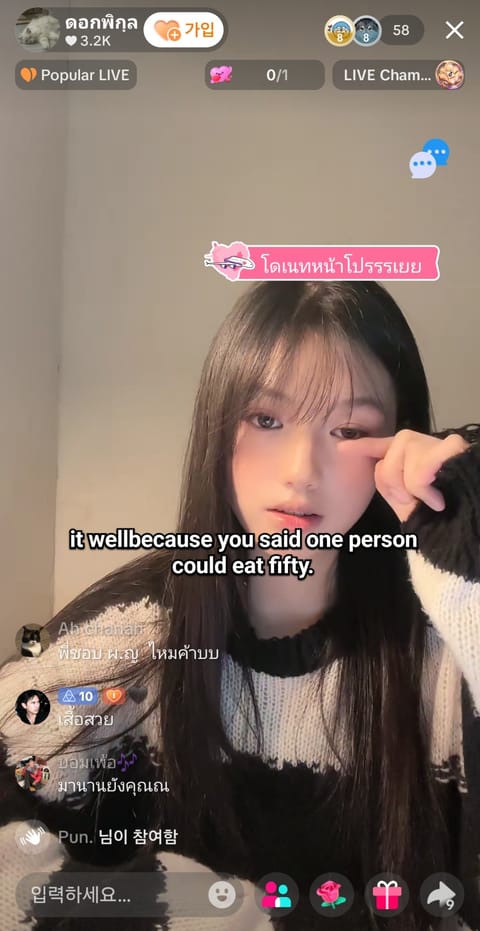
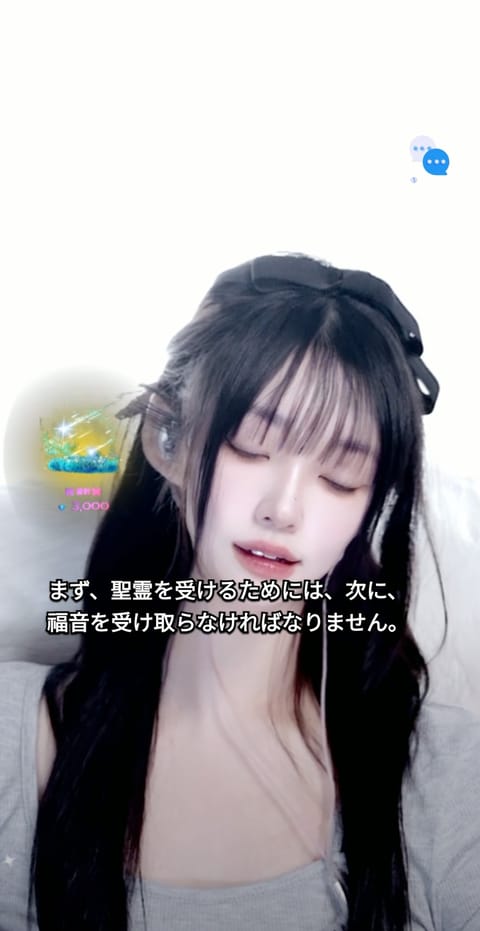
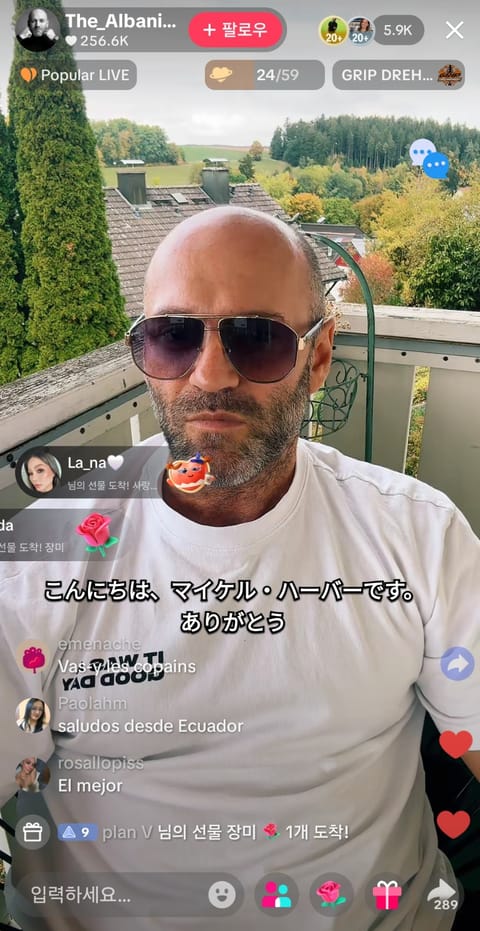
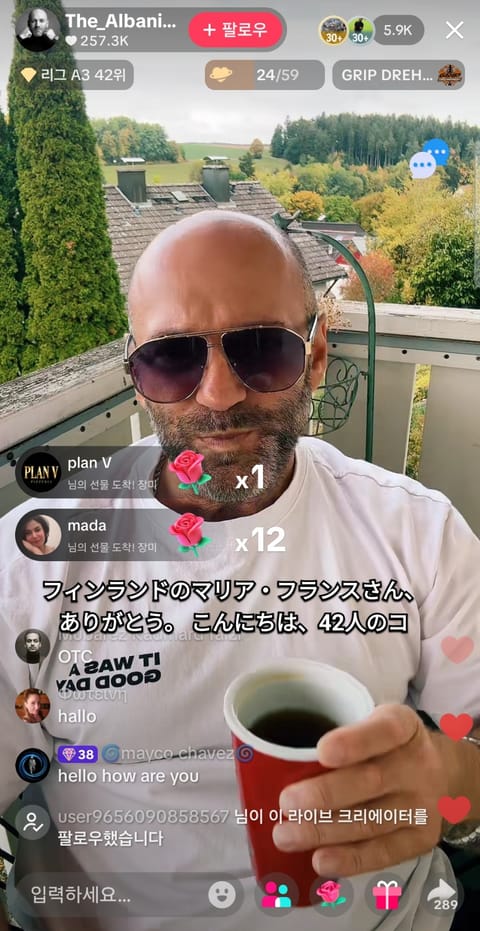
Beispiele für übersetzte Live-Untertitel
Beispiele für übersetzte Live-Untertitel 1

FOR STREAMERS / CREATOR PAGES

Create a translation page for your stream

Share one page with your profile, live link and a one-click path to translated subtitles.

Create creator page →

COMMUNITY / LOUNGE

Talk about the streams you watch

Share streamer news, VTuber talk and subtitle tips anonymously.

Open community →

QUICK START / 3 STEPS

So funktioniert es

No app install
01Melde dich an und klicke auf Starten.
TranStream
Start translation
02Wähle das Meeting, Video oder den Stream aus.
03Wähle Sprache und Stil, um das schwebende Untertitelfenster zu öffnen.
● LIVEHello, welcome to the meeting안녕하세요, 회의에 오신 것을 환영합니다18:42 remaining

Für einen anderen Browser wähle Fenster und aktiviere Systemaudio teilen. Die normale Geschwindigkeit ist am zuverlässigsten; über 1,5× können Wörter fehlen.

BETA / SPEAKER CAPTIONS

Speaker-colored captions · Beta

When speaker data is available, colors make different speakers easier to follow. It is off by default and currently limited in standard real-time captions.

View the Beta feature in the overlay

FEATURES / USE CASES

Lightweight live captions with useful script tools

From no-install live subtitle generation to script copy and TXT export, use TranStream for meetings, streams and video workflows.

NO INSTALL / LIVE SUBTITLES

Real-time subtitles with no installation

Start directly in your browser without installing a desktop program. Choose a screen or stream to see live subtitles and translation.

LIVE SCRIPT / COPY / TXT

Copy live scripts and save TXT files

Collect translated subtitle text in real time, then copy the script or save a TXT file for video editing, broadcast notes and content workflows.

STREAMING / CREATORS

Subtitle tools for streamers and viewers

Follow YouTube Live, Twitch and international video content with lightweight live captions. Speaker colors are a beta feature and require speaker data.

Echtzeitübersetzung für Meetings und Streams

TranStream übersetzt gesprochene Sprache aus Meetings und Livestreams in Echtzeit.

Videomeetings und AnrufeVerfolge globale Meetings in Zoom und Google Meet mit übersetzten Live-Untertiteln.
Livestreams weltweitSieh Twitch, YouTube Live, SOOP, KICK, 치지직, TikTok LIVE, Facebook Live und Rumble mit Live-Übersetzung.
Globale KommunikationVerstehe Teammeetings, Online-Events, Gaming-Streams und internationale Inhalte.
Business Information
상호
gyroscope
대표
전민수
사업자등록번호
696-55-00795
통신판매업신고번호
2023-울산남구-0547
주소
울산광역시 남구 번영로 124번길 21 울산비즈니스센터 307호
이메일
support@transtream.app