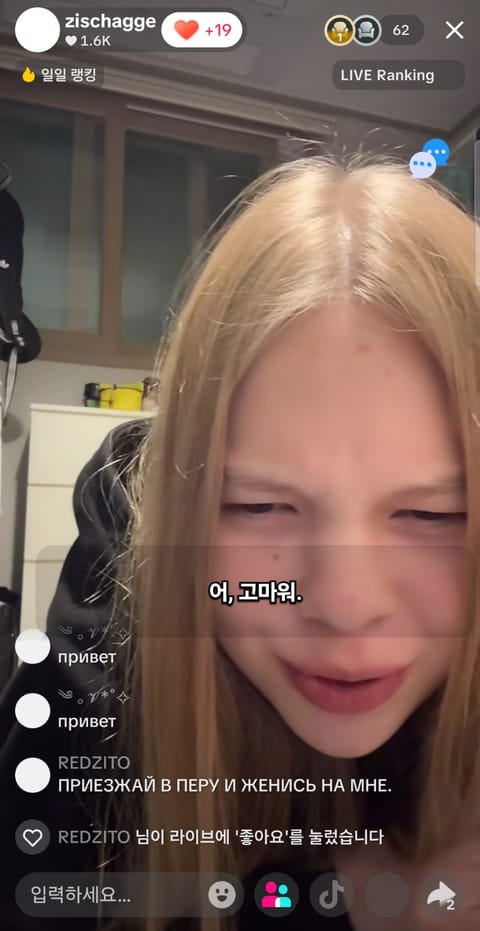
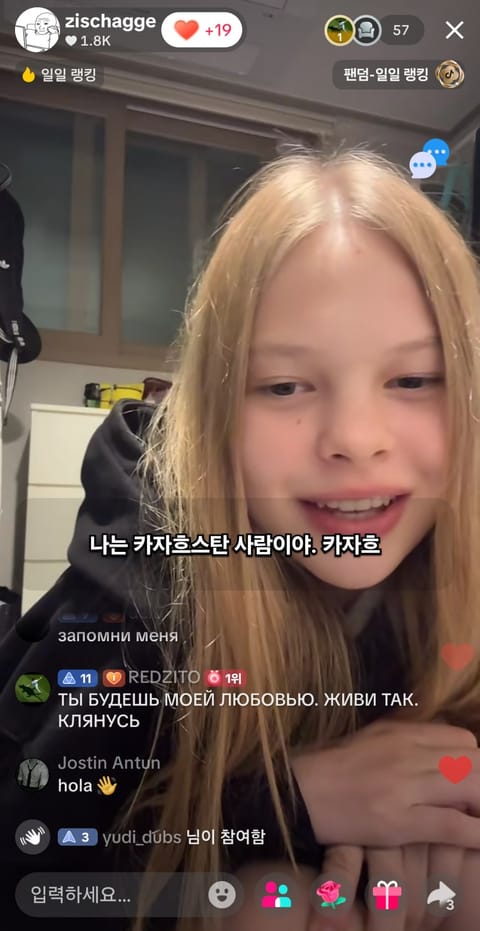
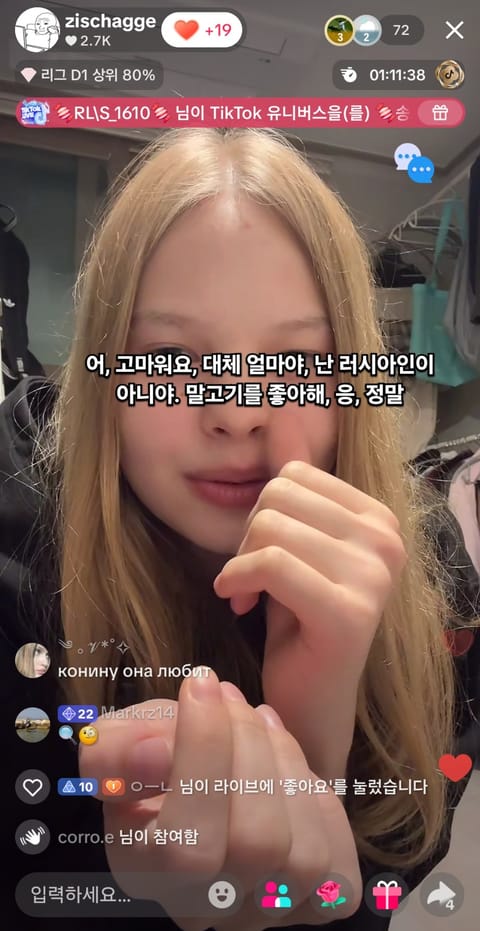
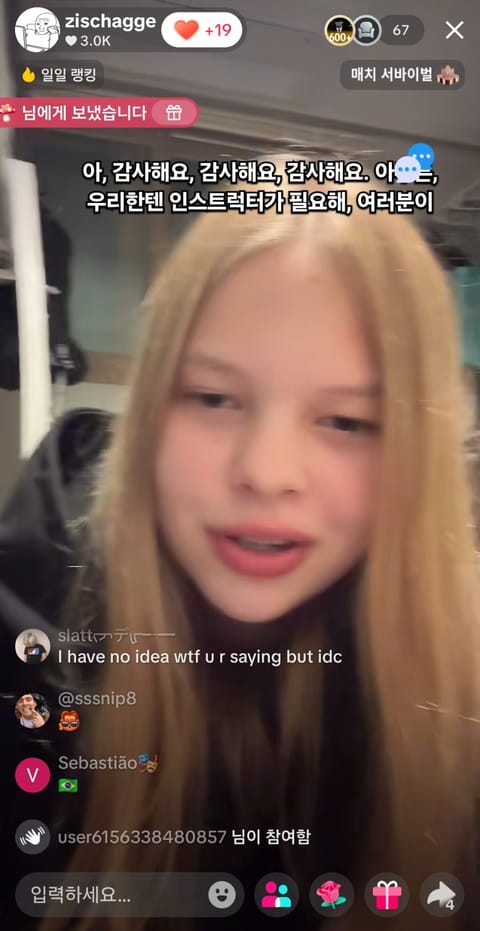
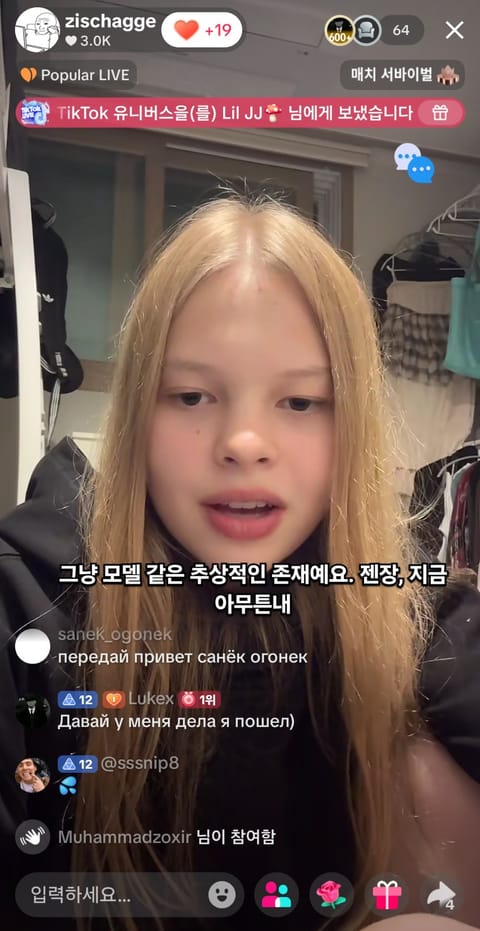
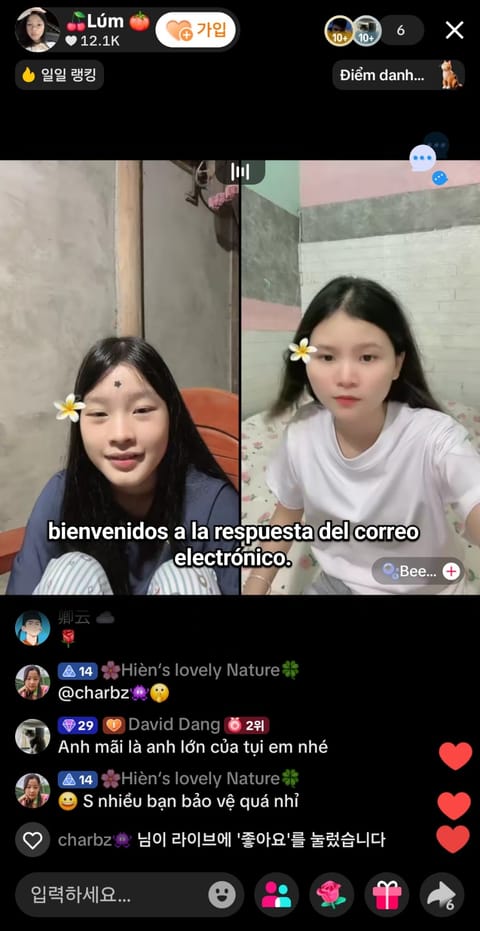
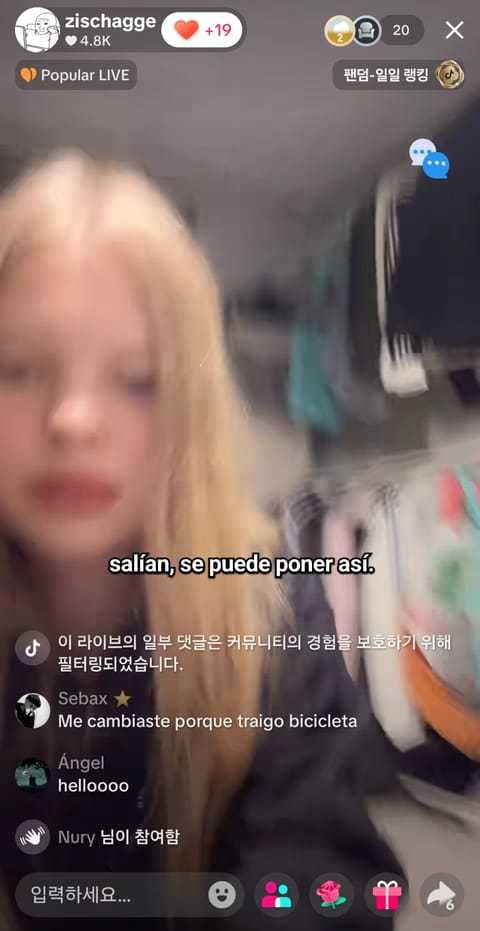
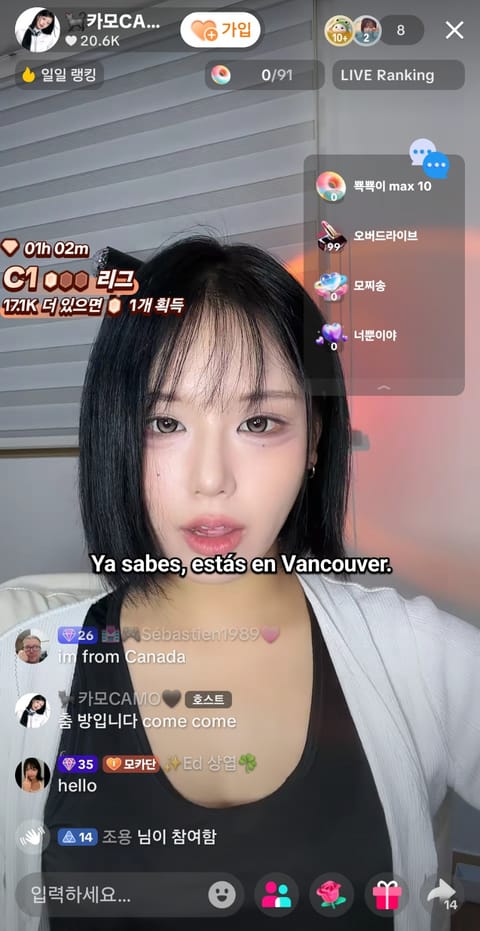
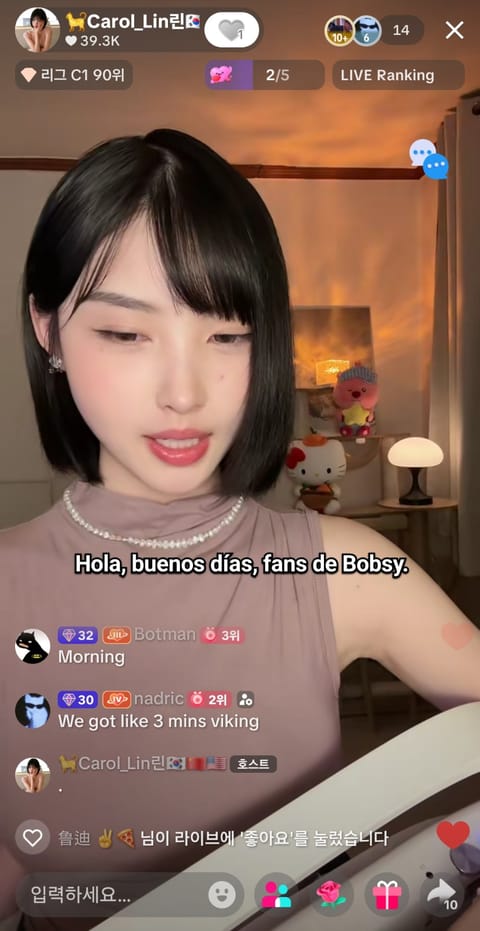
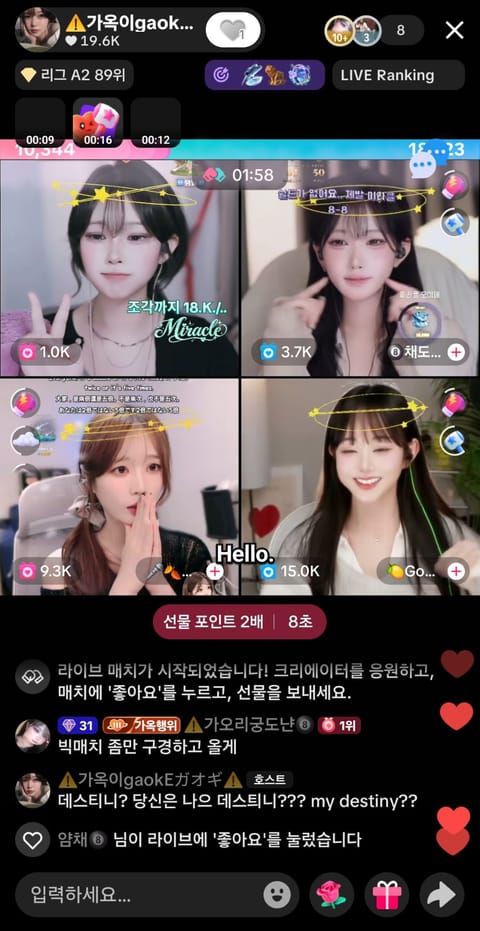
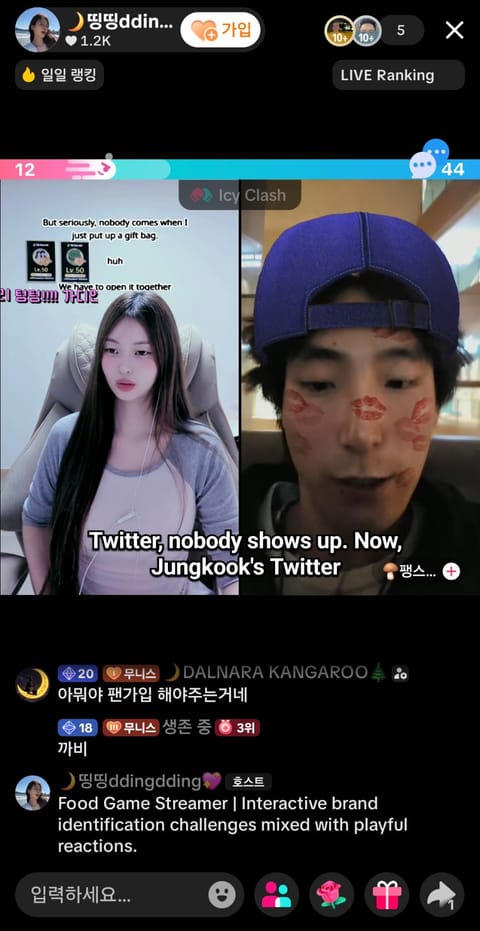
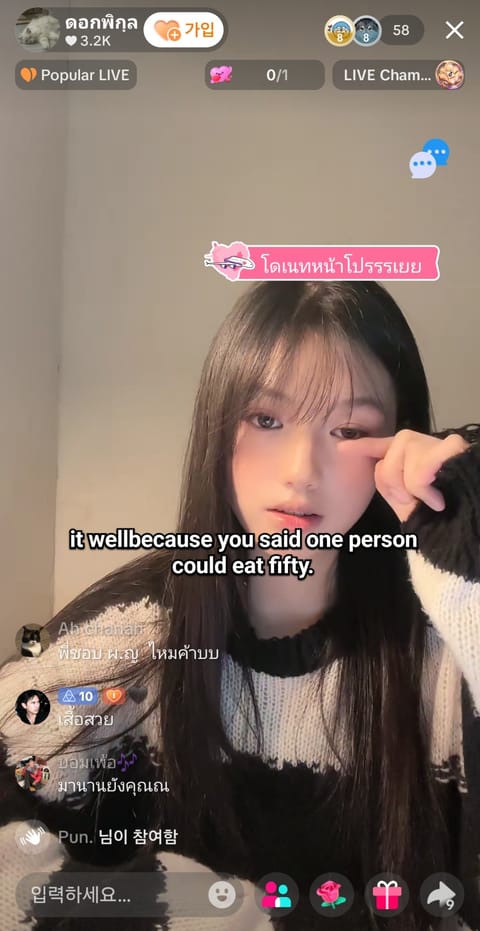
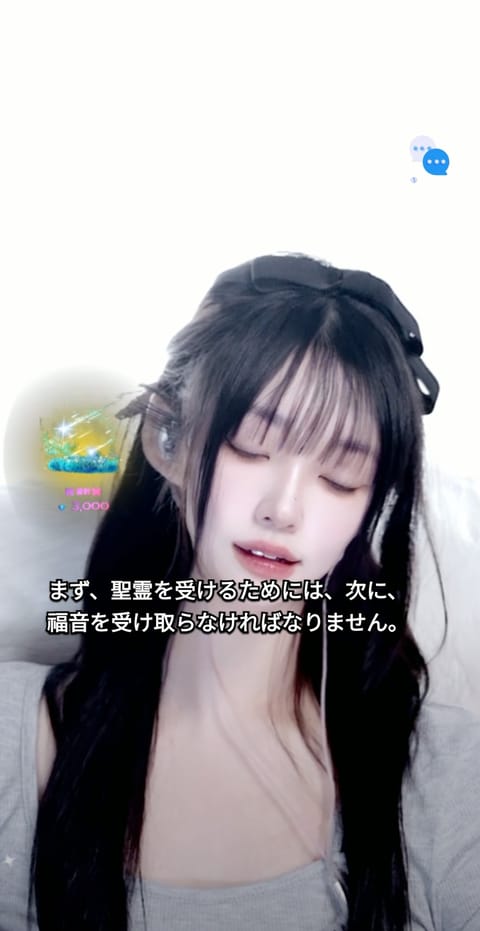
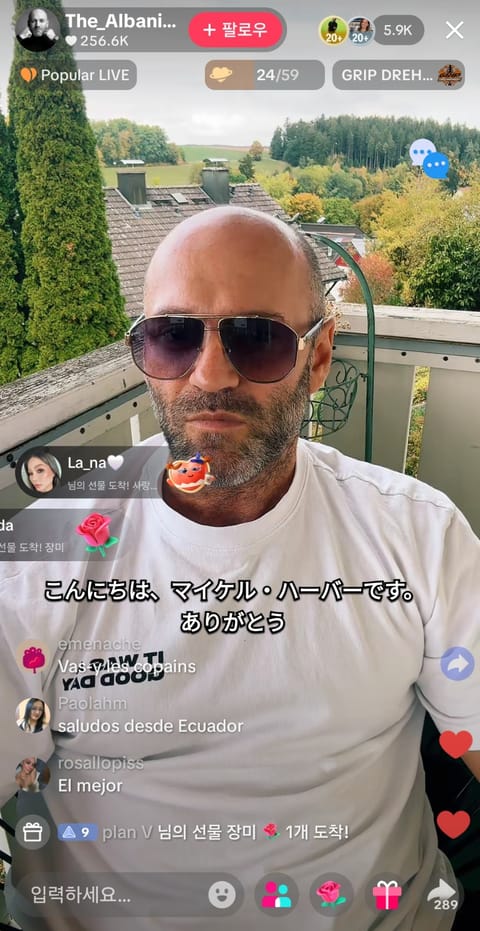
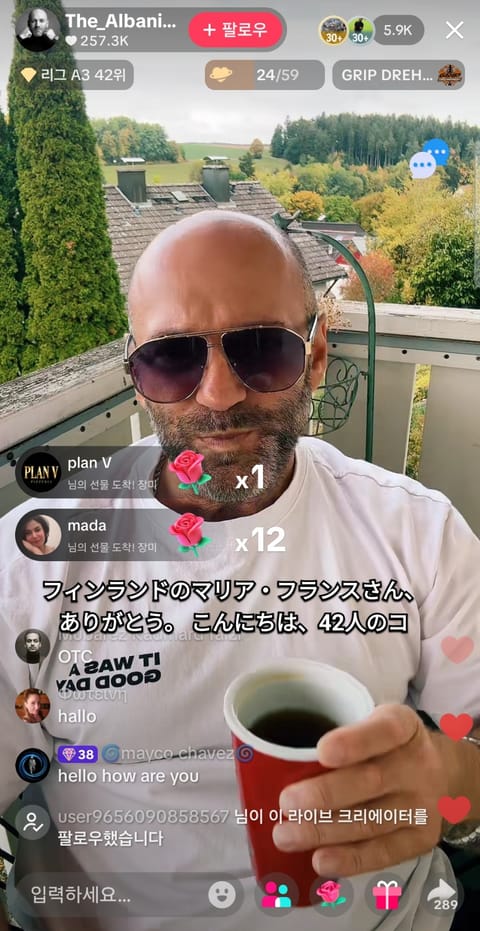
01Sign in and click Start.
TranStream
NOW ON GOOGLE PLAY / ANDROID APP
No more sideloading an APK — install straight from the Play Store with automatic updates and secure billing.
NEW · WINDOWS DESKTOP APP
Translate whatever plays on your PC — no tab sharing. Subtitles float over games, players and meeting apps, with chat translation and conversation interpreting built in.

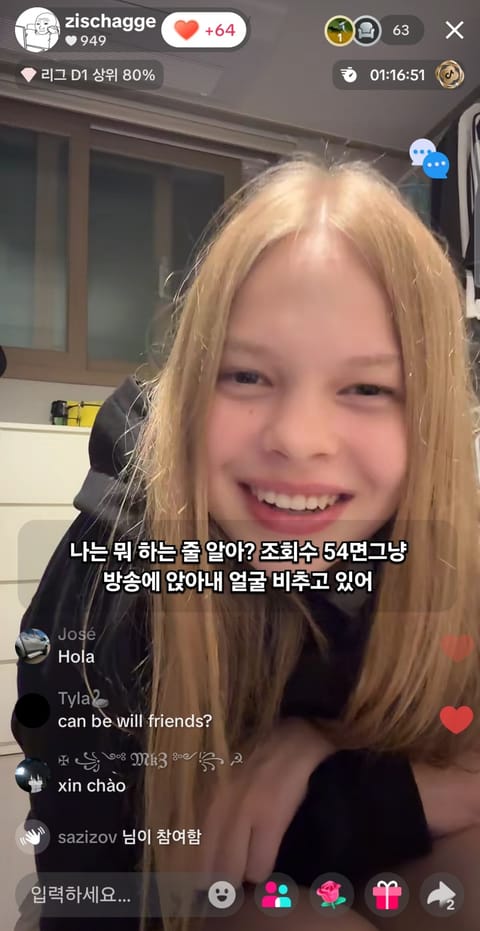
Translate audio from Zoom, Google Meet, Twitch, YouTube Live, SOOP, KICK, 치지직, TikTok LIVE, Facebook Live and Rumble into live subtitles.
NO INSTALL · CHROME / EDGE
Pick the stream tab in your browser and turn on audio sharing for live subtitles. Nothing to install.
Choose a source and translation style after starting.
GLOBAL USER REVIEWS
FOR STREAMERS / CREATOR PAGES
Share one page with your profile, live link and a one-click path to translated subtitles.
COMMUNITY / LOUNGE
Share streamer news, VTuber talk and subtitle tips anonymously.
QUICK START / 3 STEPS
For a stream in another browser, choose Window and enable Share system audio. Normal playback speed gives the most reliable results; speeds above 1.5× may miss words.
BETA / SPEAKER CAPTIONS
When speaker data is available, colors make different speakers easier to follow. It is off by default and currently limited in standard real-time captions.
View the Beta feature in the overlayFEATURES / USE CASES
From no-install live subtitle generation to script copy and TXT export, use TranStream for meetings, streams and video workflows.
Start directly in your browser without installing a desktop program. Choose a screen or stream to see live subtitles and translation.
Collect translated subtitle text in real time, then copy the script or save a TXT file for video editing, broadcast notes and content workflows.
Follow YouTube Live, Twitch and international video content with lightweight live captions. Speaker colors are a beta feature and require speaker data.
TranStream translates spoken audio from meetings and live streams as it happens.