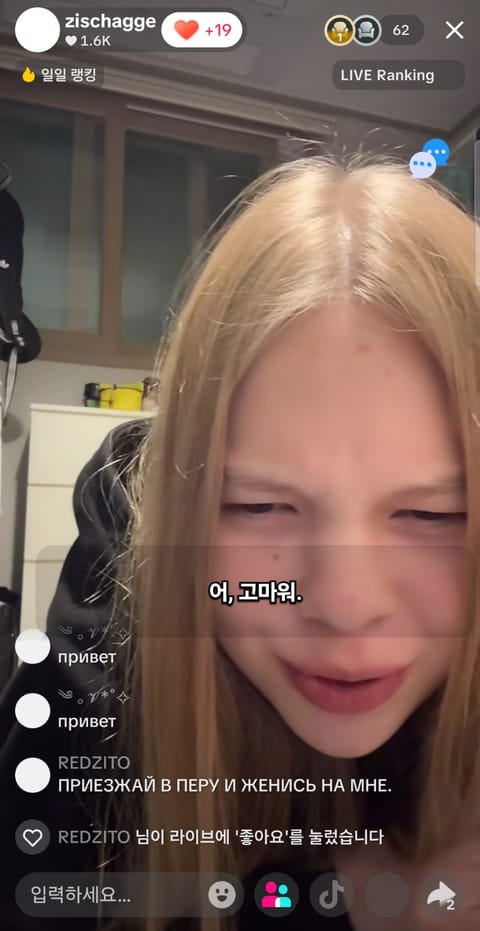
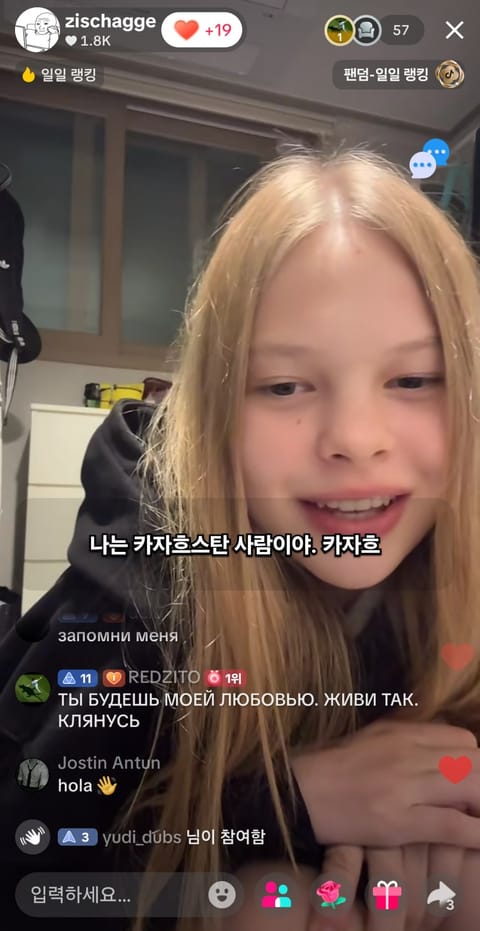
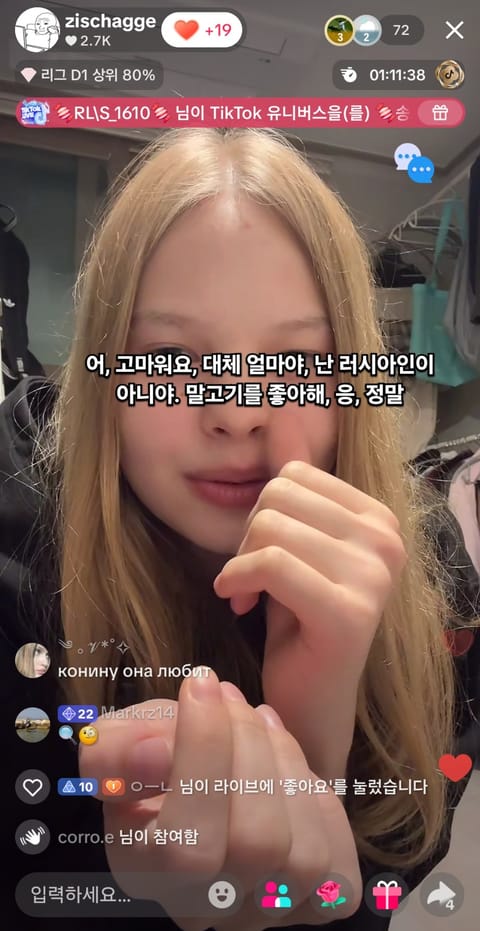
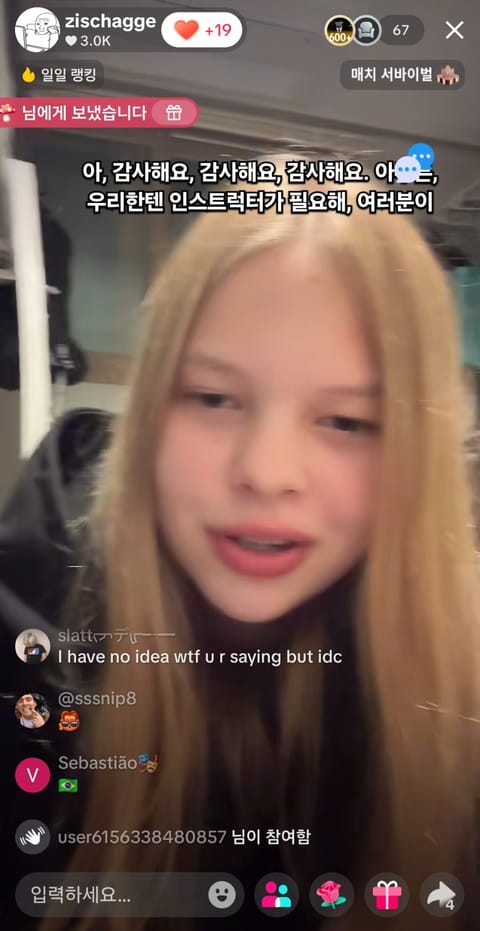
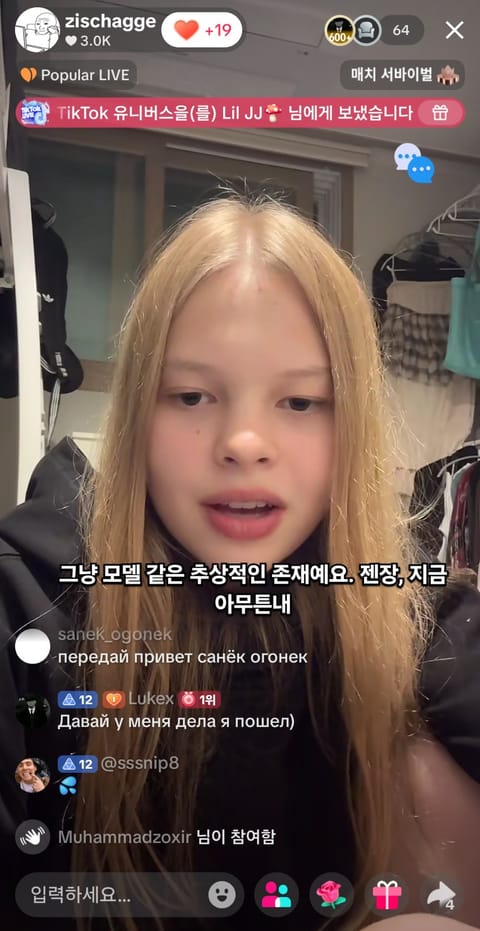
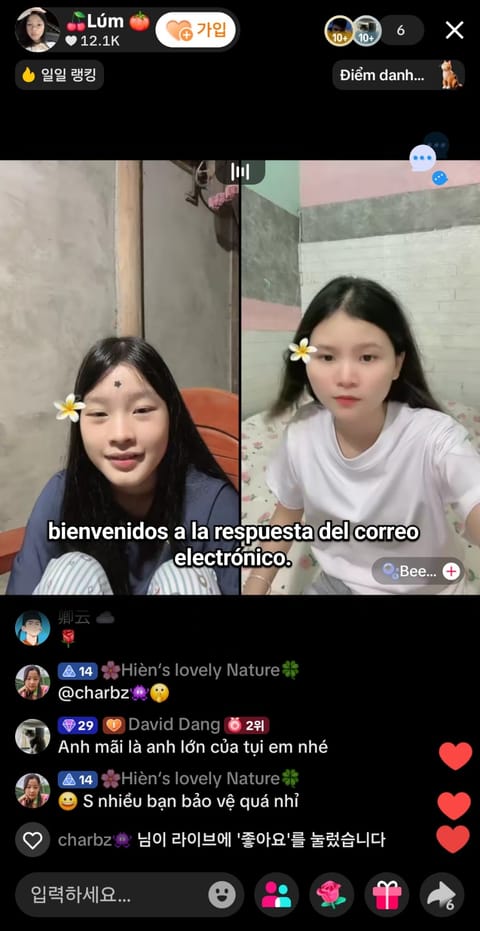
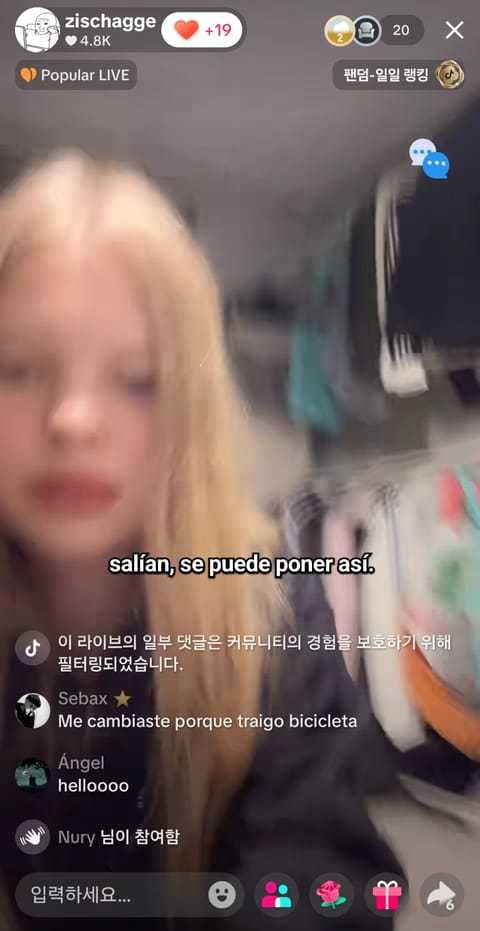
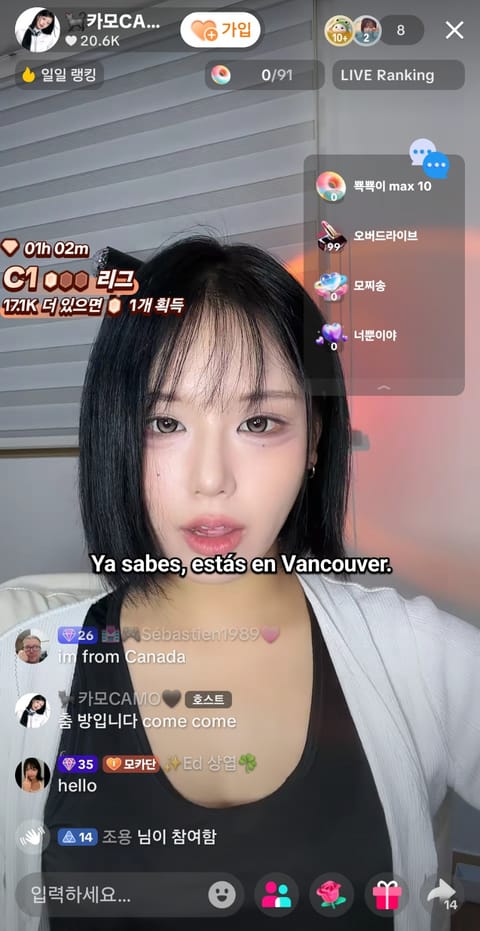
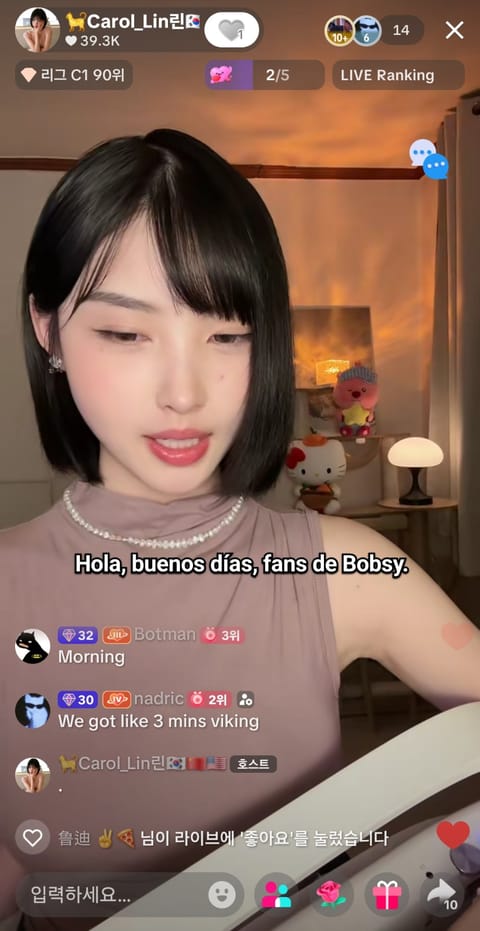
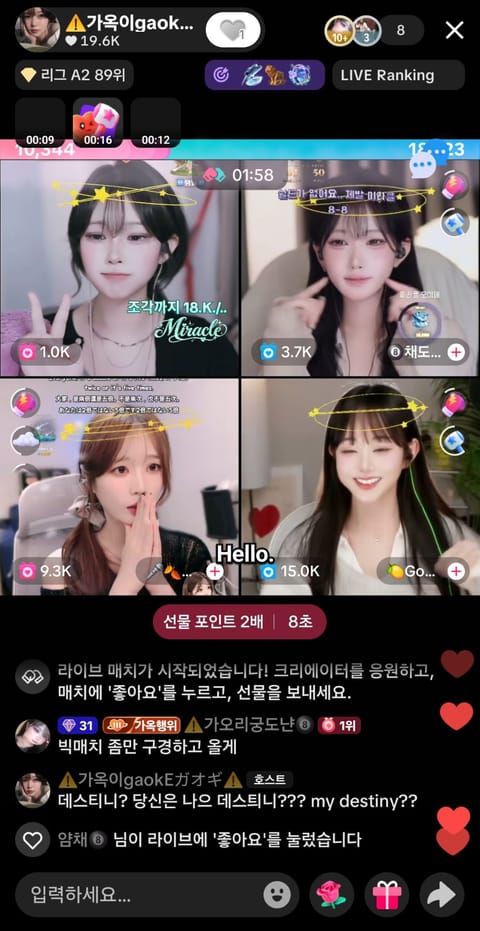
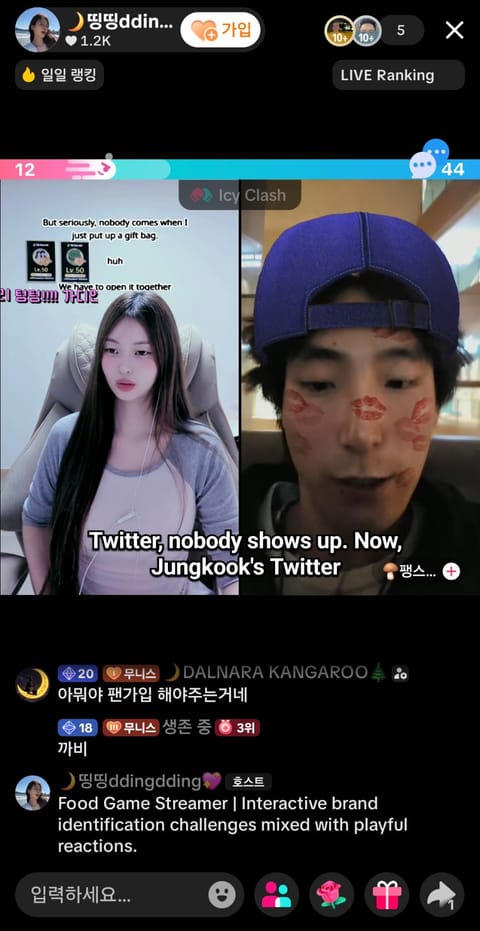
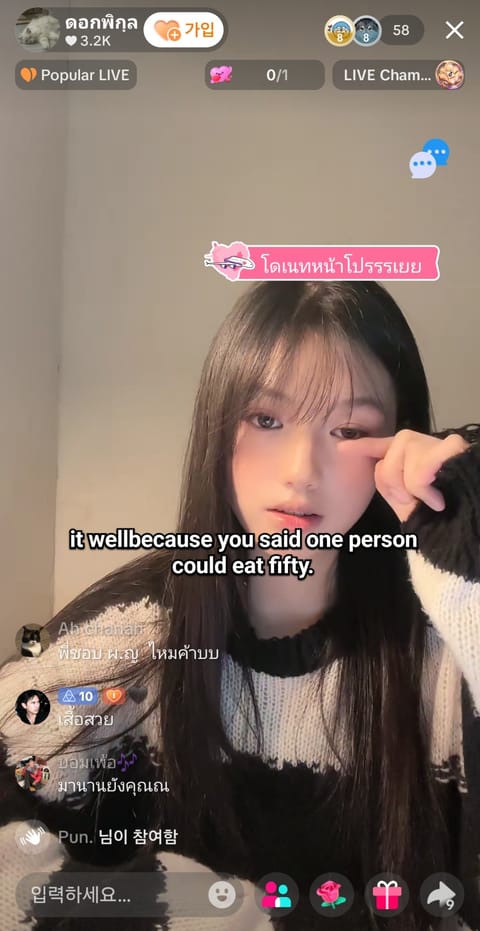
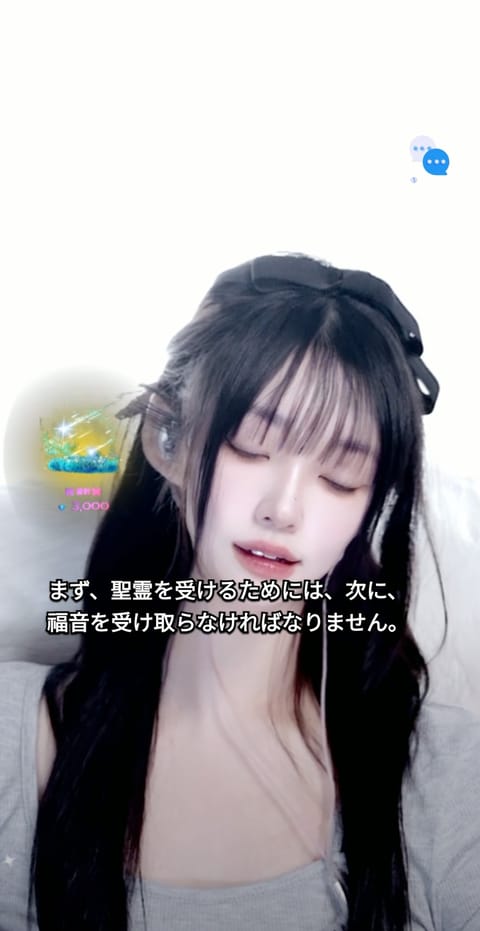
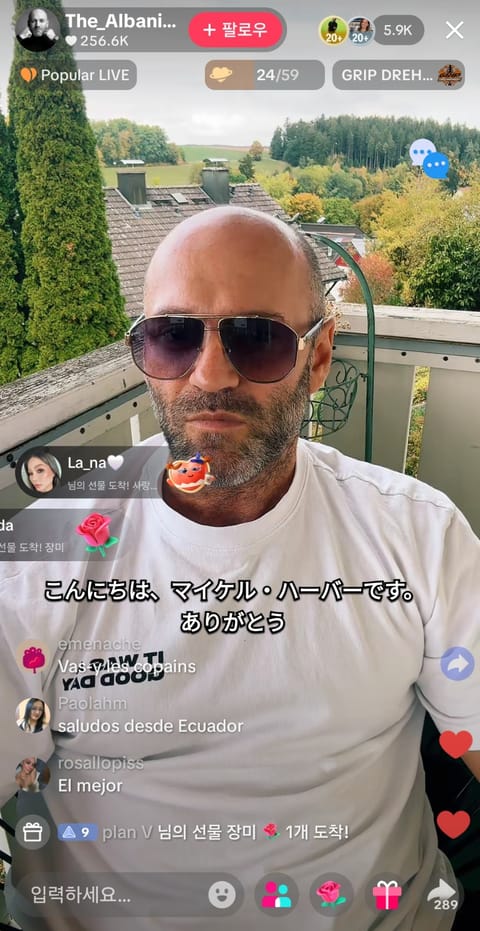
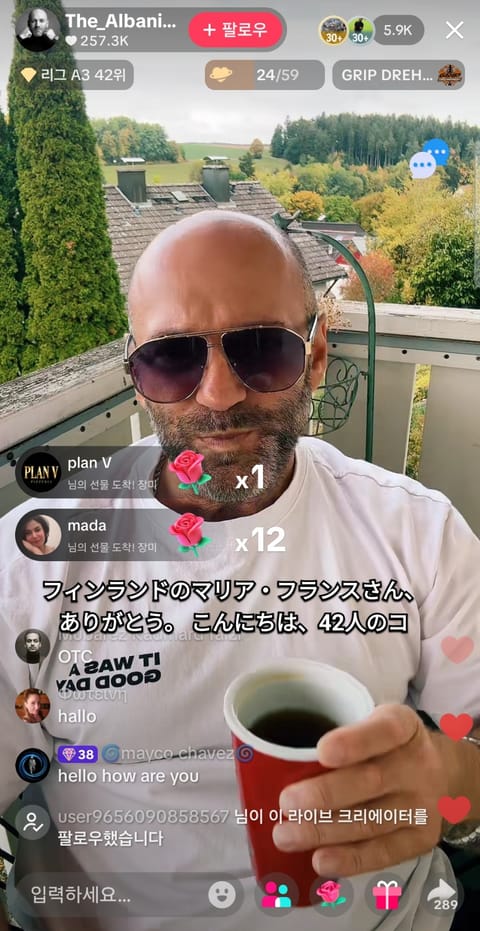
01ログインして開始を押します。
TranStream
NOW ON GOOGLE PLAY / Androidアプリ
APKを手動でインストールする必要はありません。Playストアからそのままインストールでき、自動更新と安全な決済に対応します。
NEW · WINDOWS デスクトップアプリ
タブ共有なしで、PCで鳴っている音をそのまま翻訳。ゲーム・プレーヤー・会議アプリの上に字幕を表示し、チャット翻訳や会話通訳も使えます。
Zoom、Google Meet、Twitch、YouTube Live、SOOP、KICK、치지직、TikTok LIVE、Facebook Live、Rumbleの音声を翻訳します。
NO INSTALL · CHROME / EDGE
ブラウザで配信タブを選び、音声の共有をオンにするだけでリアルタイム字幕が表示されます。
開始後にソースと言語を選択してください。
GLOBAL USER REVIEWS
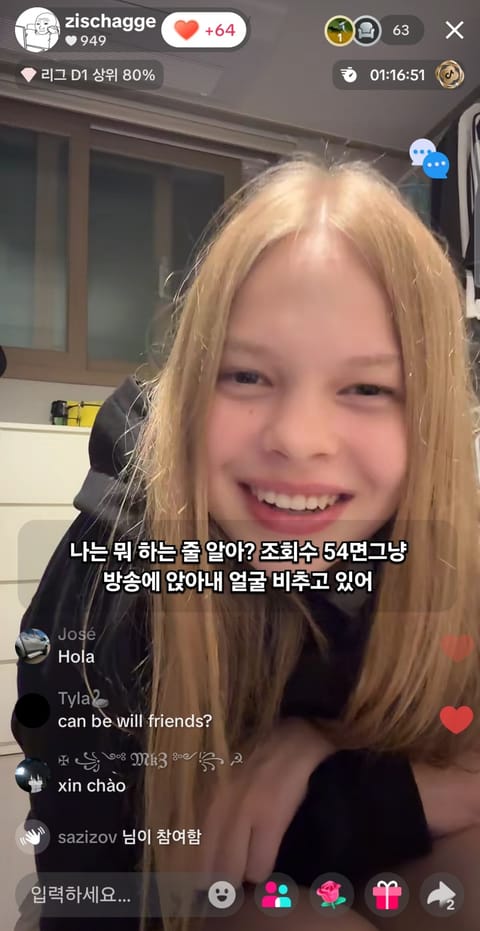
FOR STREAMERS / CREATOR PAGES
Share one page with your profile, live link and a one-click path to translated subtitles.
COMMUNITY / LOUNGE
Share streamer news, VTuber talk and subtitle tips anonymously.
QUICK START / 3 STEPS
別のブラウザの配信はウィンドウを選び、システム音声を共有してください。通常速度が最も安定し、1.5倍以上では単語が欠ける場合があります。
BETA / SPEAKER CAPTIONS
When speaker data is available, colors make different speakers easier to follow. It is off by default and currently limited in standard real-time captions.
View the Beta feature in the overlayFEATURES / USE CASES
From no-install live subtitle generation to script copy and TXT export, use TranStream for meetings, streams and video workflows.
Start directly in your browser without installing a desktop program. Choose a screen or stream to see live subtitles and translation.
Collect translated subtitle text in real time, then copy the script or save a TXT file for video editing, broadcast notes and content workflows.
Follow YouTube Live, Twitch and international video content with lightweight live captions. Speaker colors are a beta feature and require speaker data.
TranStreamは会議やライブ配信の音声をリアルタイムで翻訳します。