
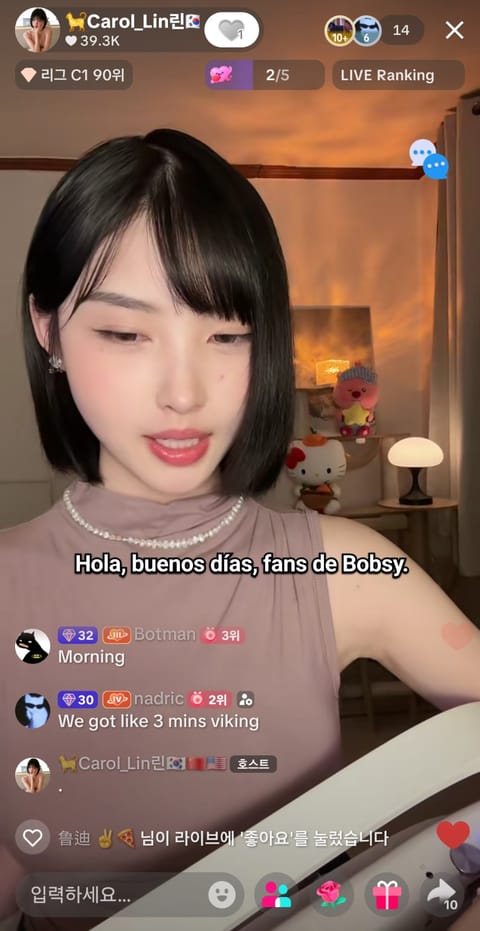
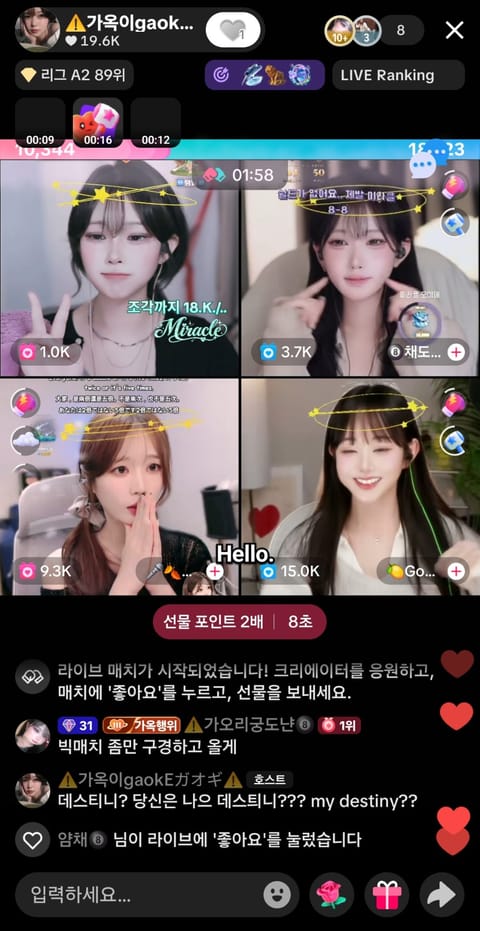
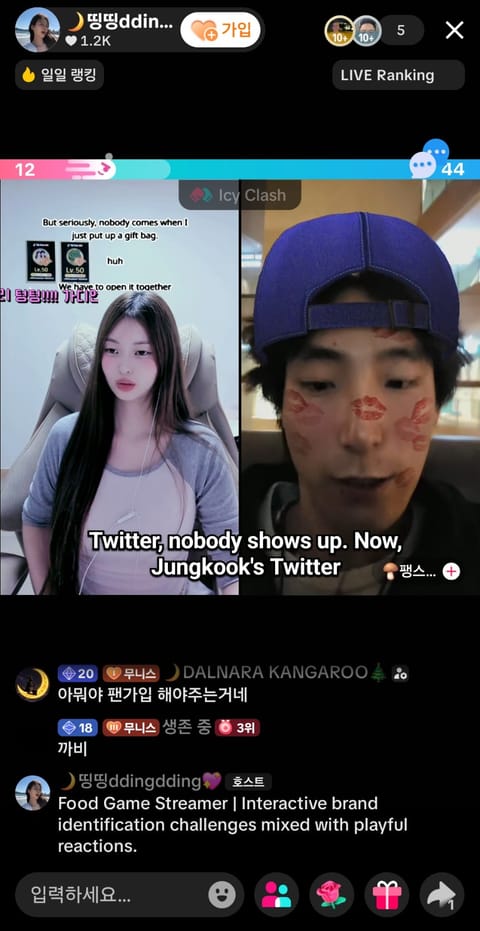
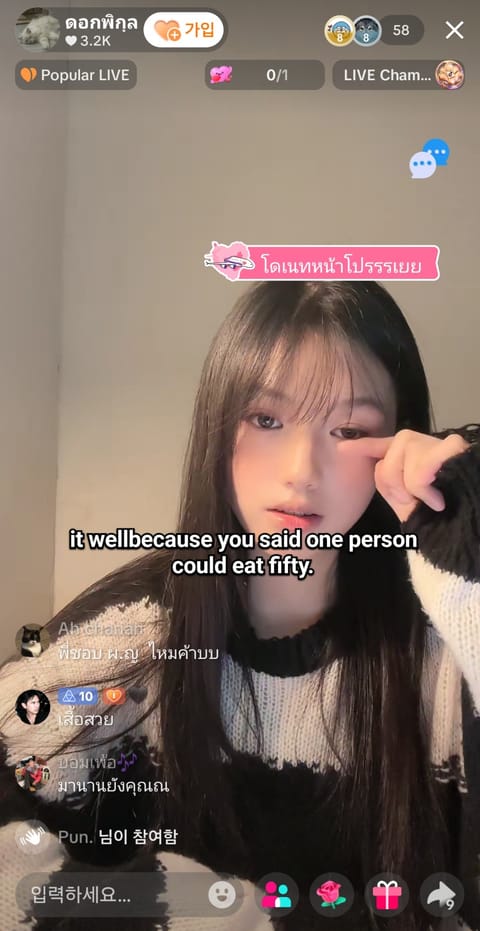

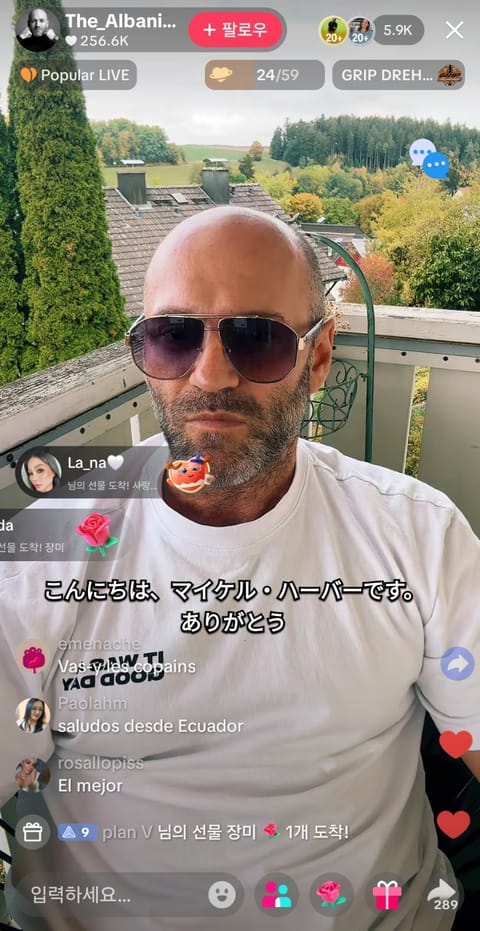
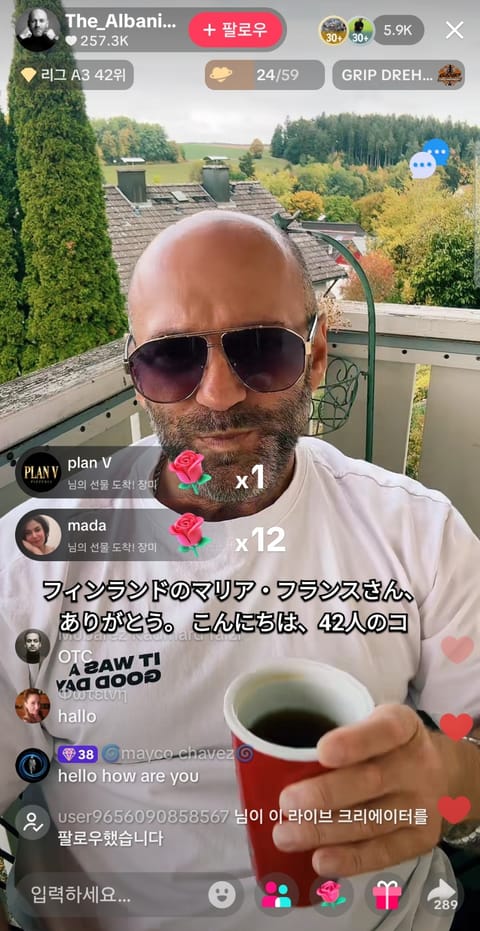
01Sign in and click Start.
TranStream
 TranStream
NOW ON GOOGLE PLAY / ANDROID APP
No more sideloading an APK — install straight from the Play Store with automatic updates and secure billing.
NEW · WINDOWS DESKTOP APP
Translate whatever plays on your PC — no tab sharing. Subtitles float over games, players and meeting apps, with chat translation and conversation interpreting built in.
 TranStream
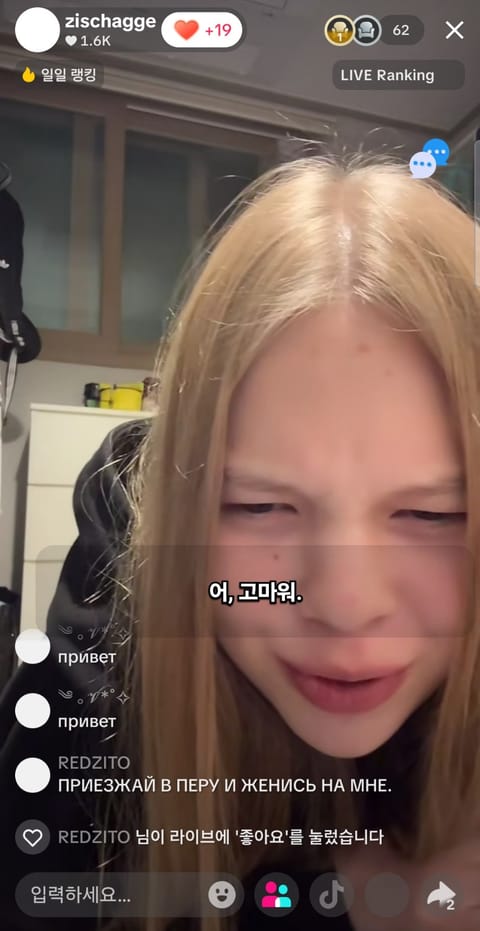
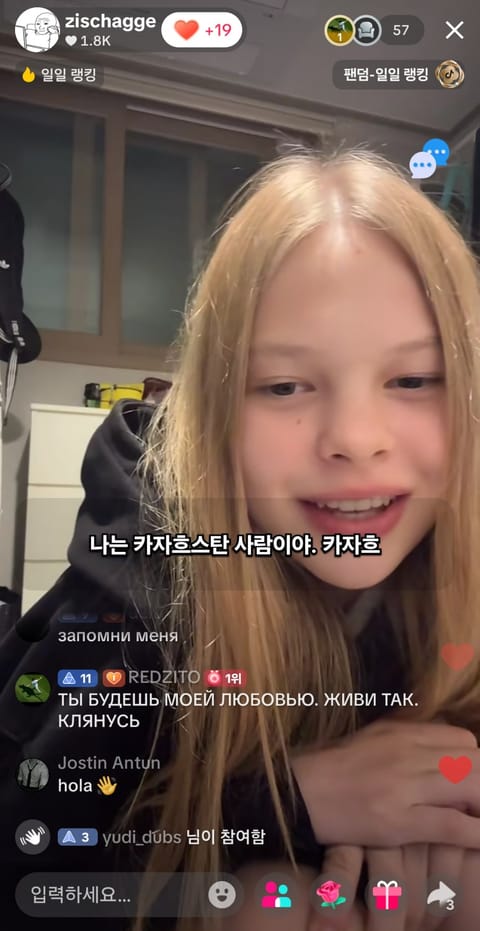
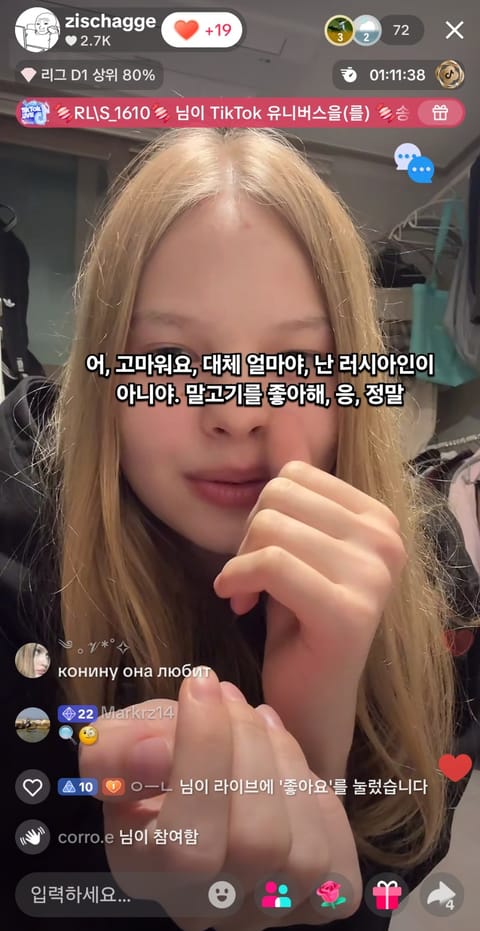
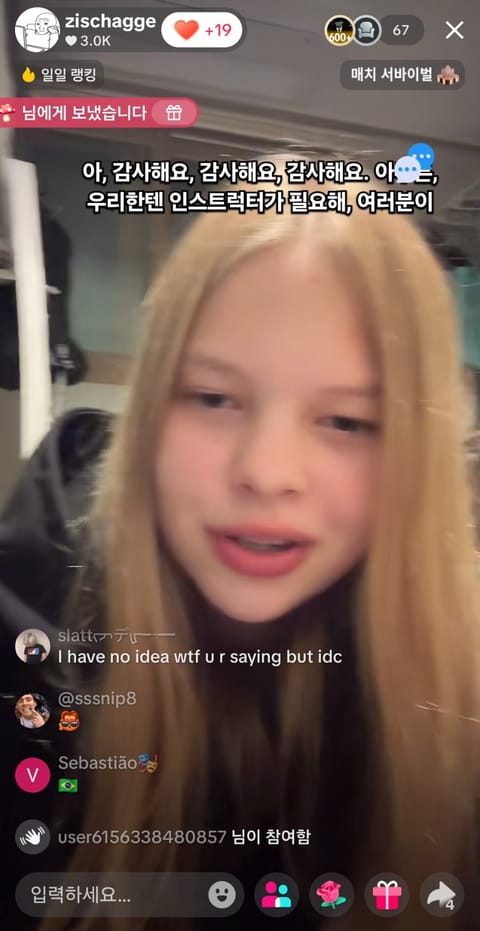
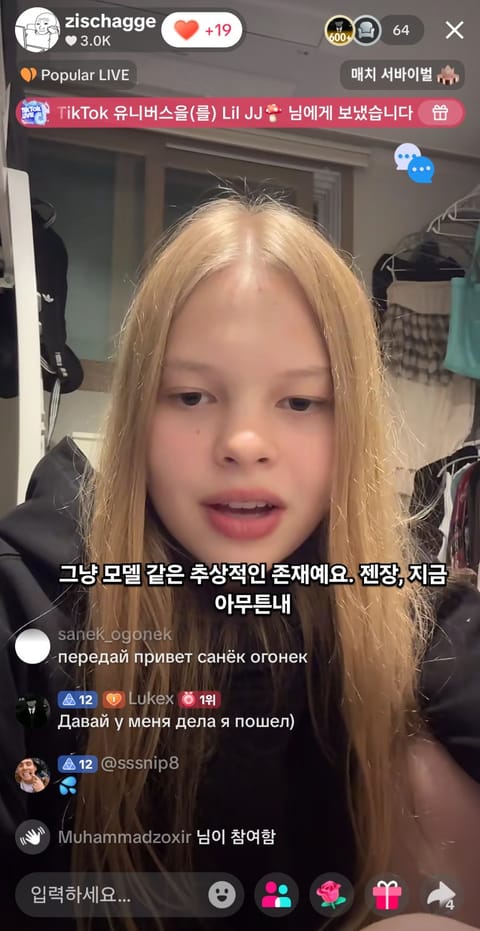
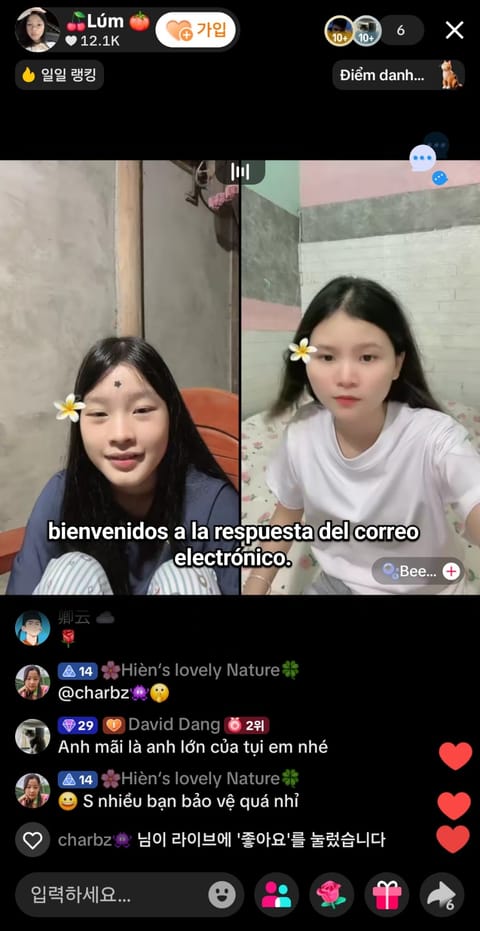
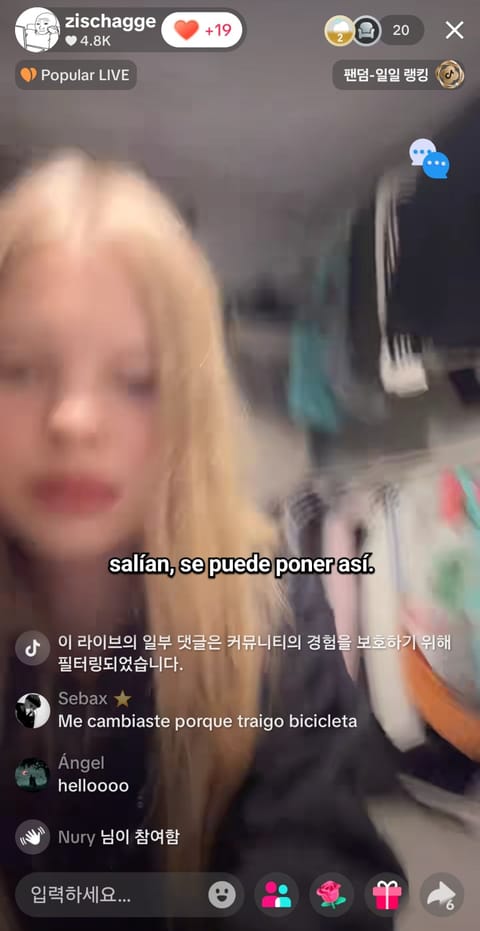
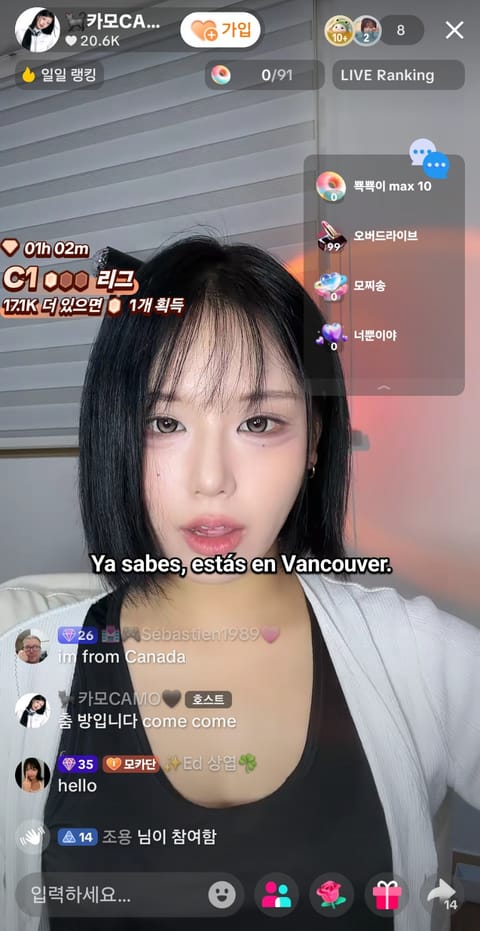
Translate audio from Zoom, Google Meet, Twitch, YouTube Live, SOOP, KICK, 치지직, TikTok LIVE, Facebook Live and Rumble into live subtitles.
NO INSTALL · CHROME / EDGE
Pick the stream tab in your browser and turn on audio sharing for live subtitles. Nothing to install.
Choose a source and translation style after starting.
CREATOR SUPPORT
GLOBAL USER REVIEWS
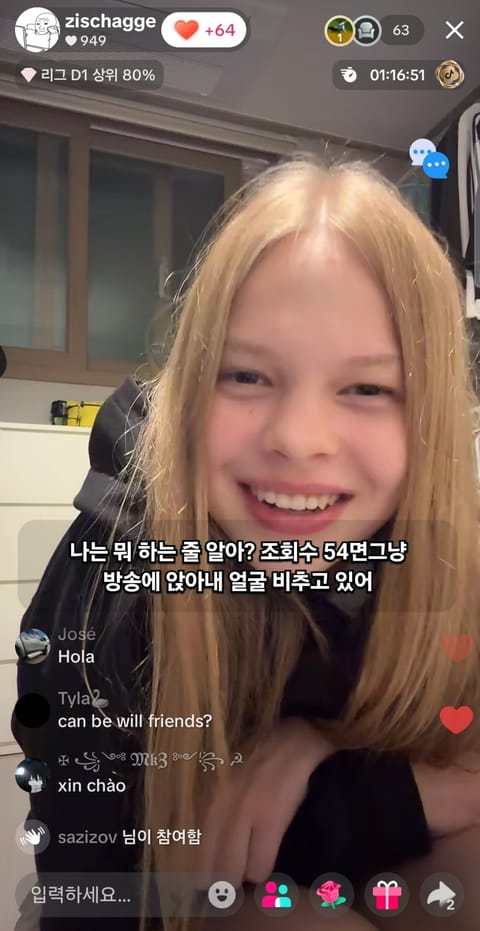
FOR STREAMERS / CREATOR PAGES
Share one page with your profile, live link and a one-click path to translated subtitles.
COMMUNITY / LOUNGE
Share streamer news, VTuber talk and subtitle tips anonymously.
QUICK START / 3 STEPS
For a stream in another browser, choose Window and enable Share system audio. Normal playback speed gives the most reliable results; speeds above 1.5× may miss words.
COMING SOON / SPEAKER CAPTIONS
We are preparing captions that use a different color for each speaker so conversations are easier to follow.
Coming soonFEATURES / USE CASES
From no-install live subtitle generation to script copy and TXT export, use TranStream for meetings, streams and video workflows.
Start directly in your browser without installing a desktop program. Choose a screen or stream to see live subtitles and translation.
Collect translated subtitle text in real time, then copy the script or save a TXT file for video editing, broadcast notes and content workflows.
Follow YouTube Live, Twitch and international video content with lightweight live captions. Speaker colors are a beta feature and require speaker data.
TranStream translates spoken audio from meetings and live streams as it happens.
Follow international teammates with translated voice captions while you play. Bring the same idea to Zoom meetings and video calls.
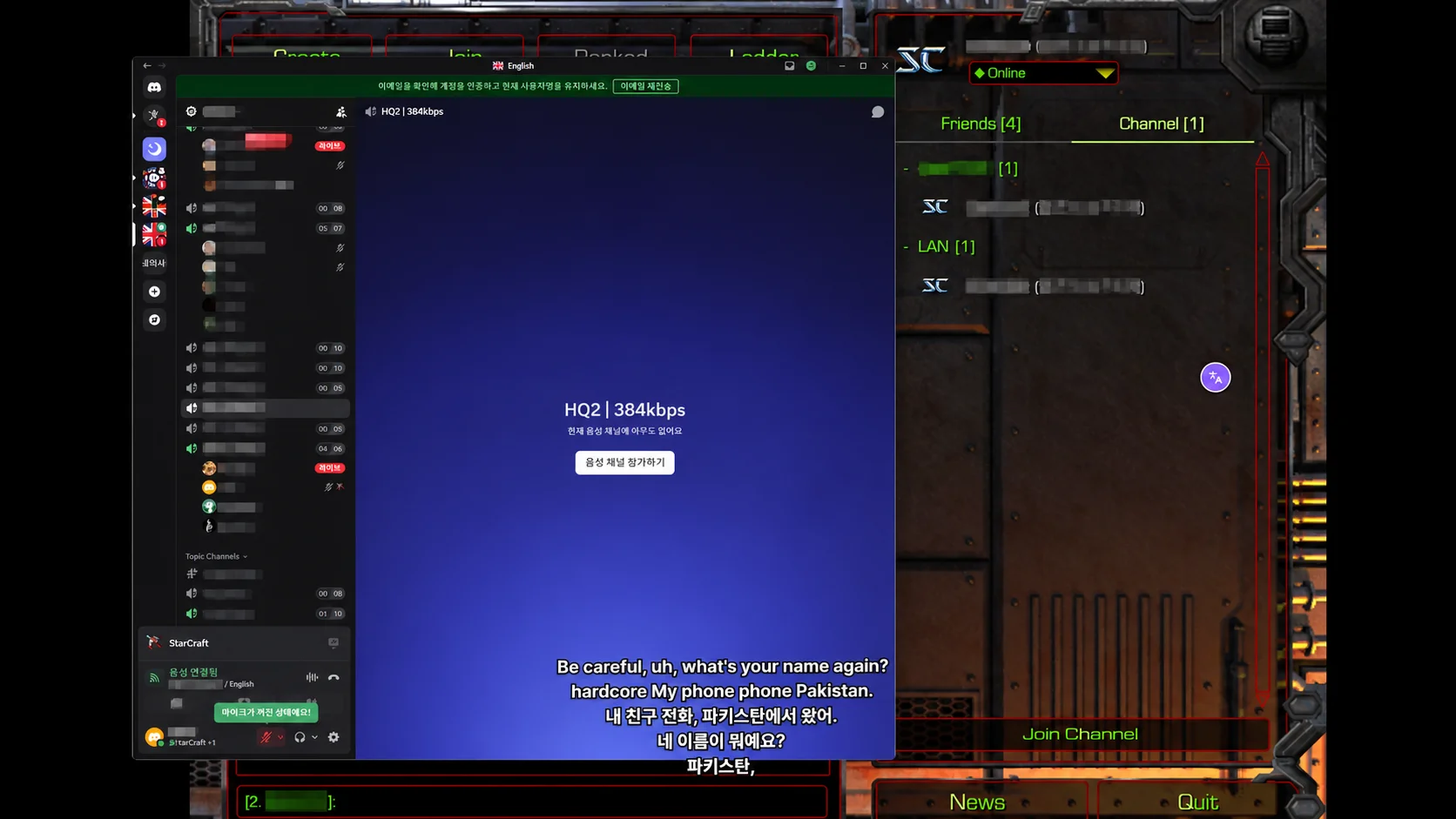
Select Discord audio in the Windows app. Keep game effects out of the selected source and use windowed or borderless mode for captions.
Select the call app on PC, or share meeting-tab audio on the web. Available audio sources depend on your browser and operating system.
The mobile call-translation update is in preparation. Instagram, LINE and carrier voice/video call compatibility is under review. Availability and timing will be announced when confirmed.
TranStream provides live translated captions for Twitch, YouTube Live, SOOP, KICK, CHZZK and other broadcasts. Start in your browser, copy your transcript or save a TXT file.
Follow international creators, live sports and news, or use translated captions for Zoom and Google Meet conversations.
Find help with audio sharing, captions and translation in Q&A. Our detailed guides are currently available in Korean.
Basic on-device study is free within usage limits. A new lower-cost plan combining on-device translation with AI questions is planned; its monthly price has not been set. Existing plans remain available.
TranStreamNOW ON GOOGLE PLAY / ANDROID APP
No more sideloading an APK — install straight from the Play Store with automatic updates and secure billing.
NEW · WINDOWS DESKTOP APP
Translate whatever plays on your PC — no tab sharing. Subtitles float over games, players and meeting apps, with chat translation and conversation interpreting built in.
TranStreamTranslate audio from Zoom, Google Meet, Twitch, YouTube Live, SOOP, KICK, 치지직, TikTok LIVE, Facebook Live and Rumble into live subtitles.
NO INSTALL · CHROME / EDGE
Pick the stream tab in your browser and turn on audio sharing for live subtitles. Nothing to install.
Choose a source and translation style after starting.
CREATOR SUPPORT
GLOBAL USER REVIEWS
FOR STREAMERS / CREATOR PAGES
Share one page with your profile, live link and a one-click path to translated subtitles.
COMMUNITY / LOUNGE
Share streamer news, VTuber talk and subtitle tips anonymously.
QUICK START / 3 STEPS
For a stream in another browser, choose Window and enable Share system audio. Normal playback speed gives the most reliable results; speeds above 1.5× may miss words.
COMING SOON / SPEAKER CAPTIONS
We are preparing captions that use a different color for each speaker so conversations are easier to follow.
Coming soonFEATURES / USE CASES
From no-install live subtitle generation to script copy and TXT export, use TranStream for meetings, streams and video workflows.
Start directly in your browser without installing a desktop program. Choose a screen or stream to see live subtitles and translation.
Collect translated subtitle text in real time, then copy the script or save a TXT file for video editing, broadcast notes and content workflows.
Follow YouTube Live, Twitch and international video content with lightweight live captions. Speaker colors are a beta feature and require speaker data.
TranStream translates spoken audio from meetings and live streams as it happens.
Follow international teammates with translated voice captions while you play. Bring the same idea to Zoom meetings and video calls.
Select Discord audio in the Windows app. Keep game effects out of the selected source and use windowed or borderless mode for captions.
Select the call app on PC, or share meeting-tab audio on the web. Available audio sources depend on your browser and operating system.
The mobile call-translation update is in preparation. Instagram, LINE and carrier voice/video call compatibility is under review. Availability and timing will be announced when confirmed.
TranStream provides live translated captions for Twitch, YouTube Live, SOOP, KICK, CHZZK and other broadcasts. Start in your browser, copy your transcript or save a TXT file.
Follow international creators, live sports and news, or use translated captions for Zoom and Google Meet conversations.
Find help with audio sharing, captions and translation in Q&A. Our detailed guides are currently available in Korean.
Basic on-device study is free within usage limits. A new lower-cost plan combining on-device translation with AI questions is planned; its monthly price has not been set. Existing plans remain available.